
Widgets
Widget gallery
Selected public widgets. Each card shows the widget rendered in isolation.
Widgets are composable parts; a typical app combines four or five of them. See Anatomy of an app and Getting started for end-to-end examples that wire several widgets together.
Capture widgets with tools/widget_screenshot.py. Re-run it when widget styling changes.
uv run python tools/widget_screenshot.py --allSignal viewers Session shell Simulator controls Recording & sessions Process management ML pipeline Output processing Feature selection Branding ML readout Virtual Hand Other
Signal viewers
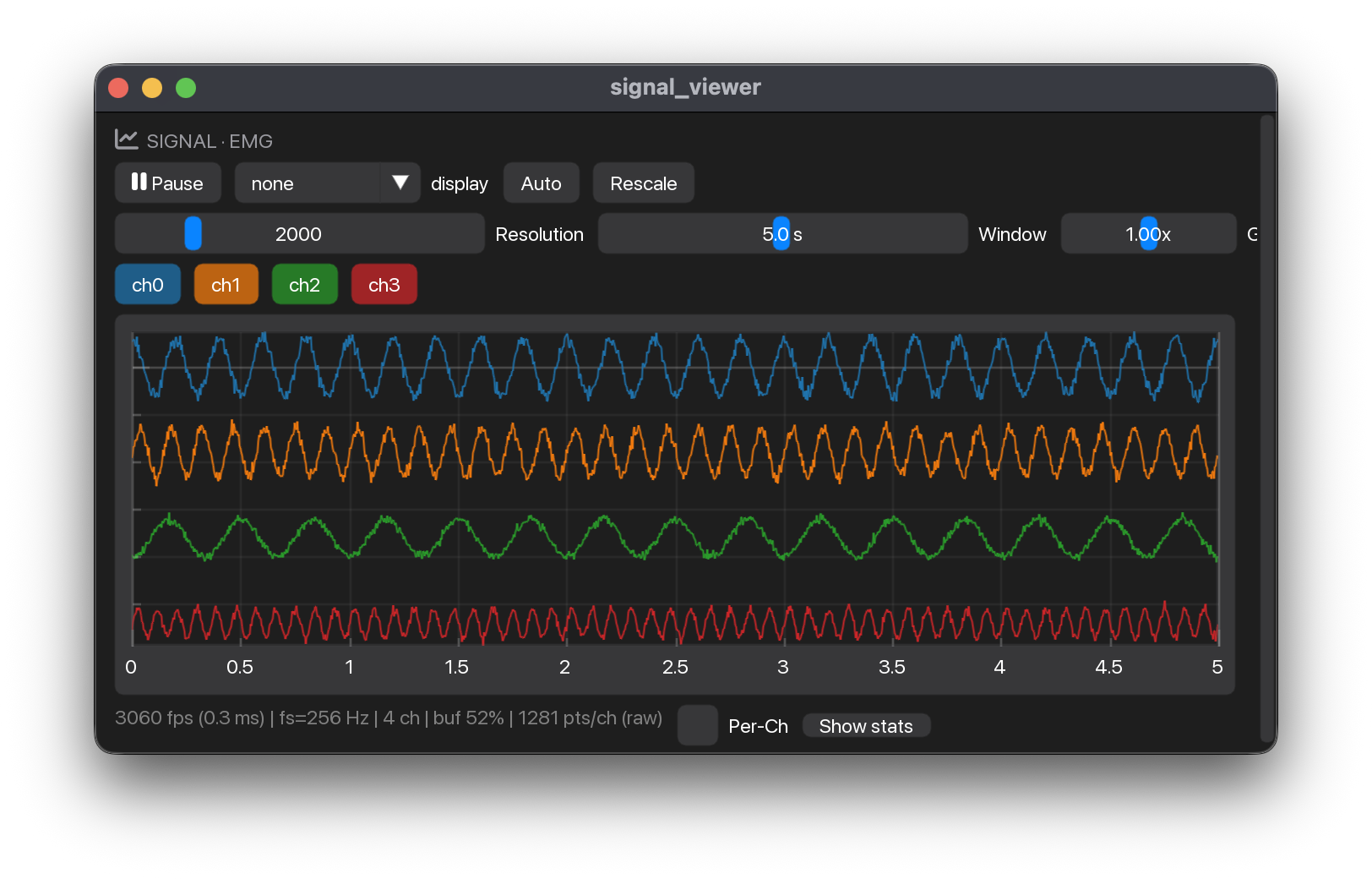
Renders a stream’s ring buffer as a min/max envelope decimated for 60 fps. Per-channel toggles, a 50/60 Hz mains-hum notch, optional rectification, DC removal and RMS envelope display filters, plus pause/rescale. State is keyed by widget_id, defaulting to stream_name.
Session shell

Shared application header with the line logo, title and state pill. Pass a StepBar for workflow navigation and a ParticipantPanel for a participant chip. StepBar accepts any nonempty list of steps; completion flags add checkmarks without locking navigation. Place it in a bare Px(52) Grid row.
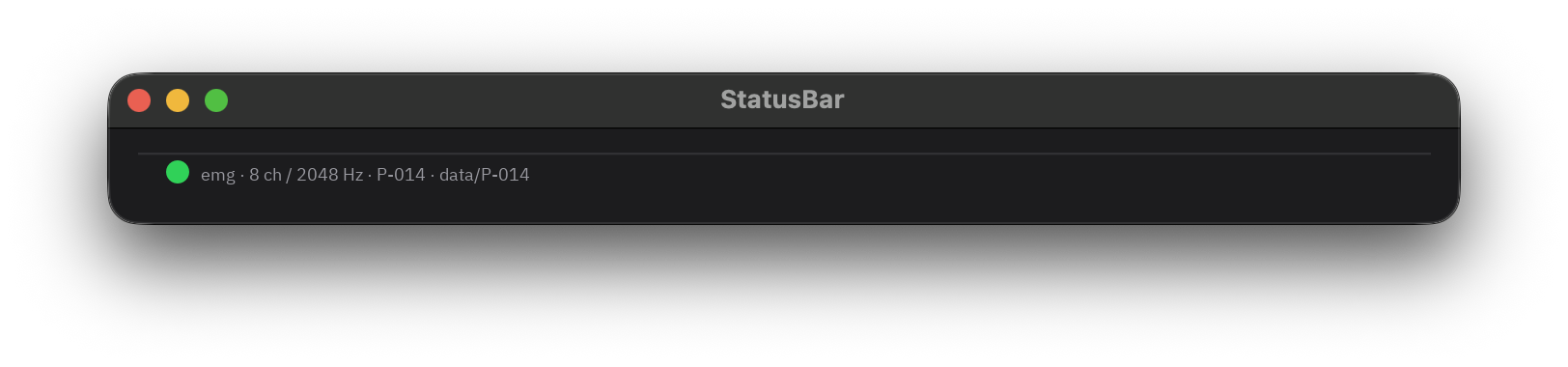
Acquisition details, participant and participant folder, with an optional fitted or saved model readout. The folder uses the same filename-safe ID as recordings. P 001 displays data/P-001 with the default data root. Long values ellipsize and show their full text on hover. Place it in a bare Px(26) bottom row.
Simulator controls
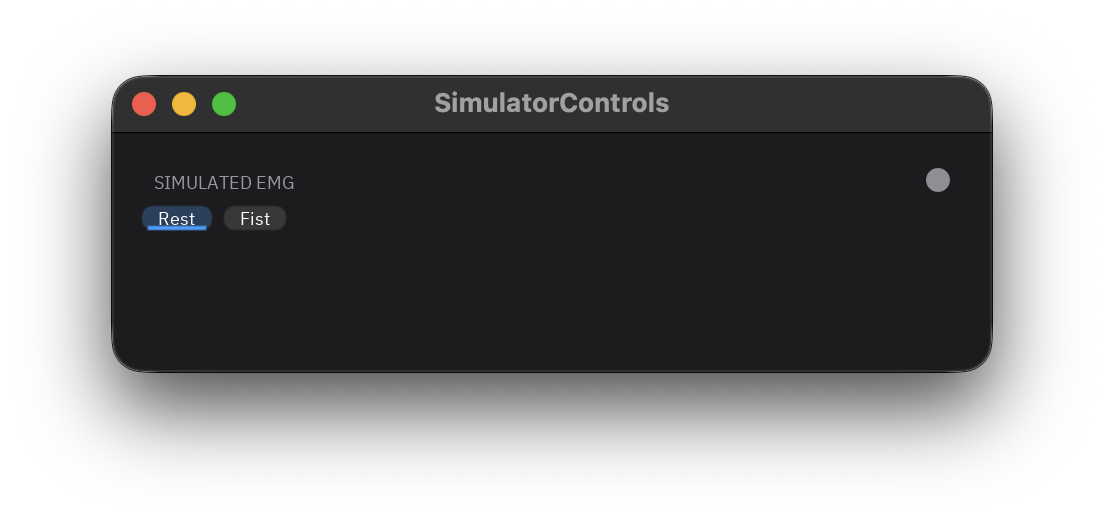
Configurable presets, such as Rest/Fist, that steer the LSL synthetic EMG generator independently of the workflow step. Call set() from the recording gesture callback to keep the signal and chip in sync; manual controls lock while recording with a visible explanation.
Recording and sessions
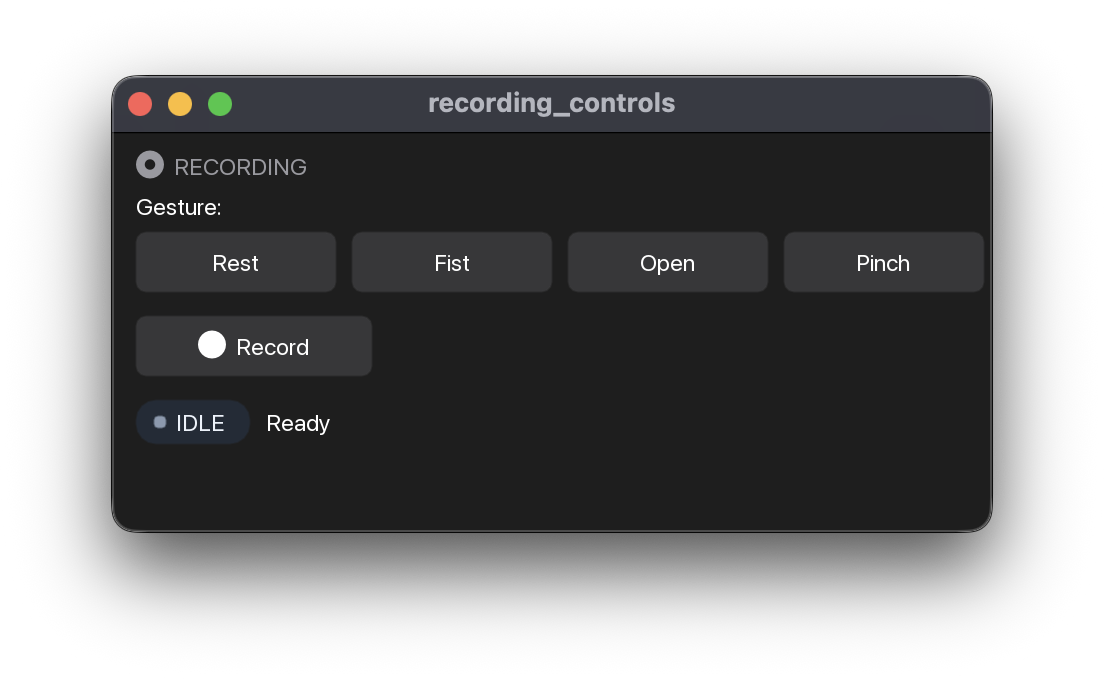
Gesture tiles plus a recording action row with an elapsed clock. Enable Timed with take_lengths and warmups. It counts down without capture, records one gesture for the selected duration, then stops and saves automatically. Cancel saves nothing during warm-up; Stop early keeps the captured take. The immutable take read supports countdown and progress overlays.
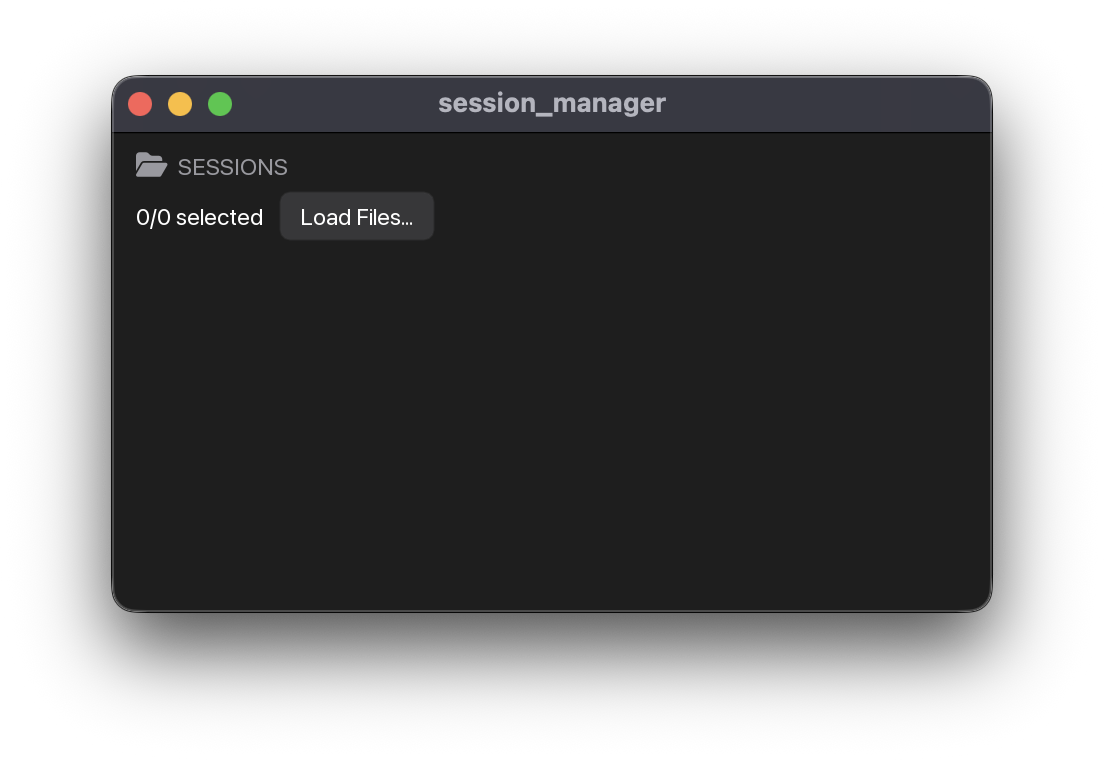
One clickable line per take, about 26 logical pixels high, grouped by day with only the newest group open. The list scrolls beneath a fixed header, selection summary, and gesture chips; All / None change every take, and gesture chips include or exclude classes from training. Files loaded from outside the scanned folder appear under Loaded. Returns TrainingData for @pipeline.train; selection() exposes selected/total counts and included gesture seconds for a Train card.
Process management
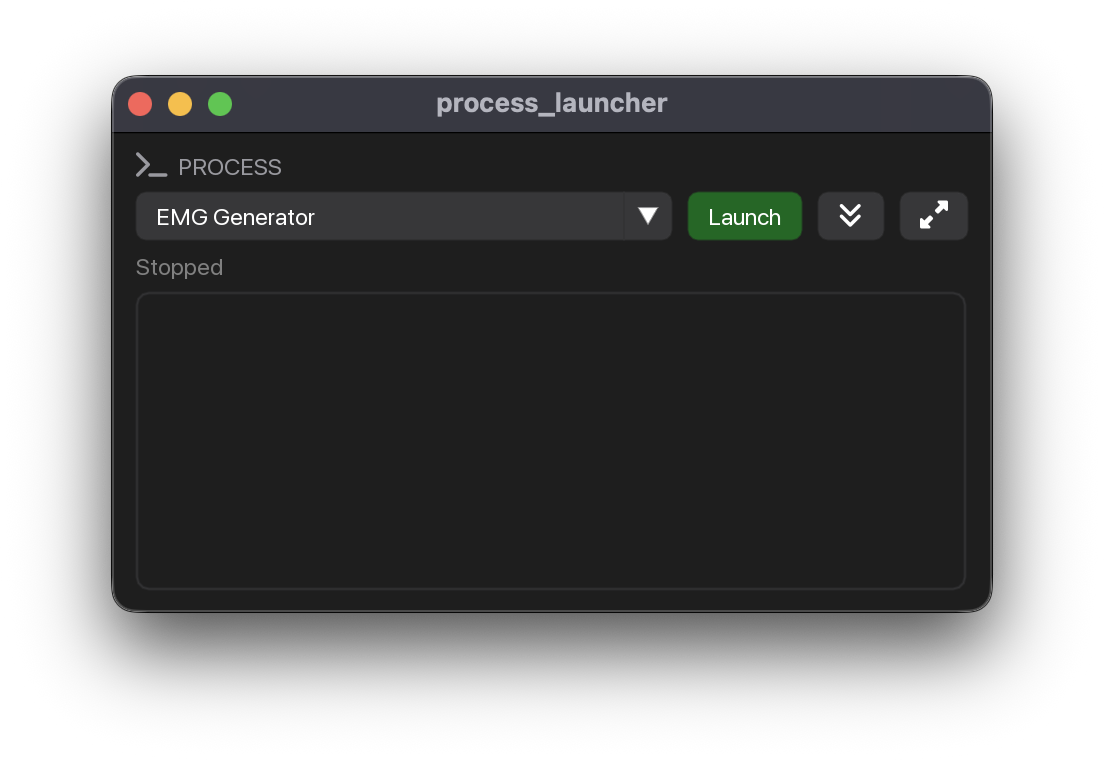
Launch / stop external subprocesses from the GUI, such as the synthetic generator, Virtual Hand or custom acquisition tools. Shows live state per entry; the framework adopts children for cleanup on exit.
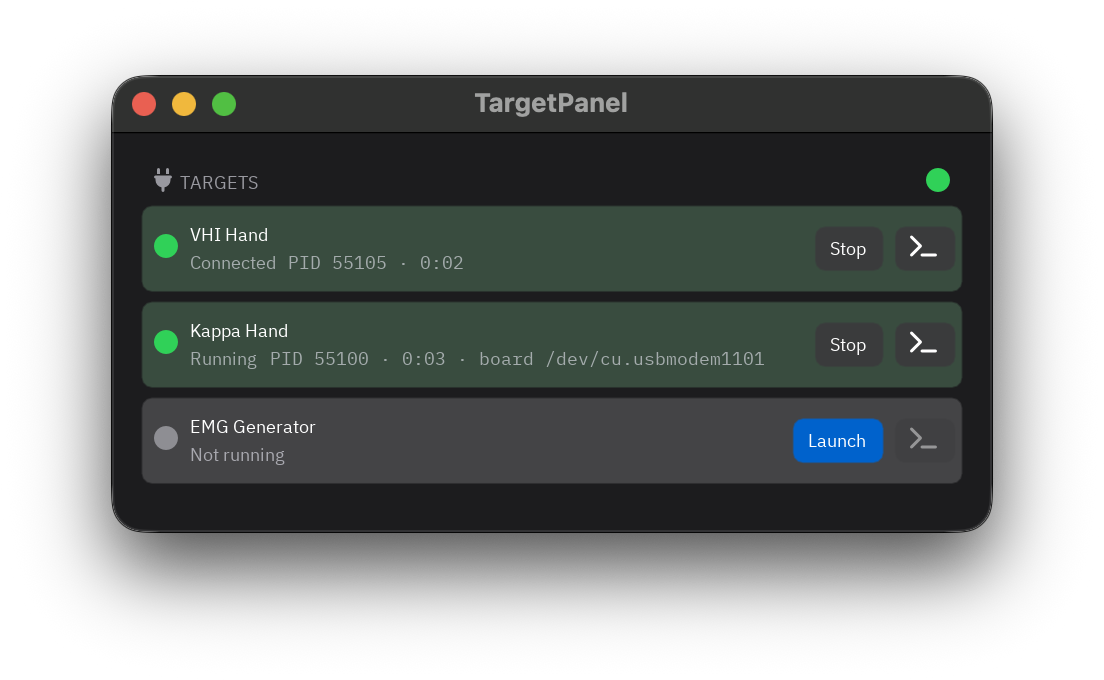
One row per target the app drives, such as the Virtual Hand, a robot hand or a game. Connects to a running target, launches it if none answers, and stops only what this card started.
ML pipeline
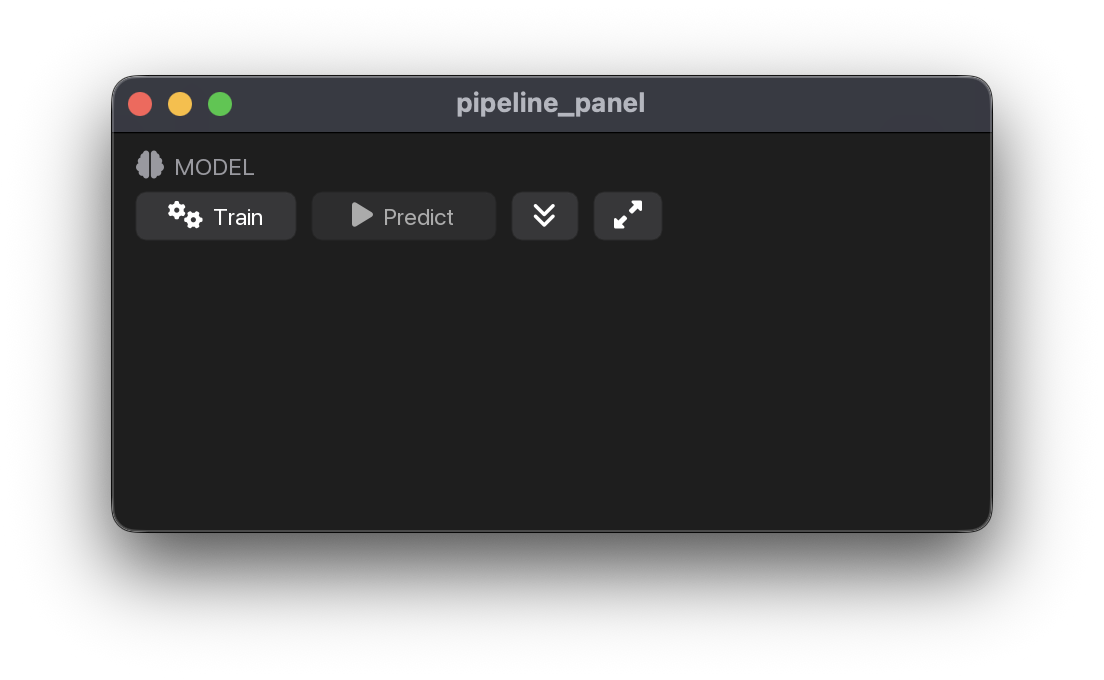
Model state row, a full-width Train action and a Predict toggle. Buttons disable based on pipeline.app.ctx.state, selected takes, pending saves, callbacks and the loaded model; captions explain how to enable them. Use TrainButton and PredictButton individually.
Output processing
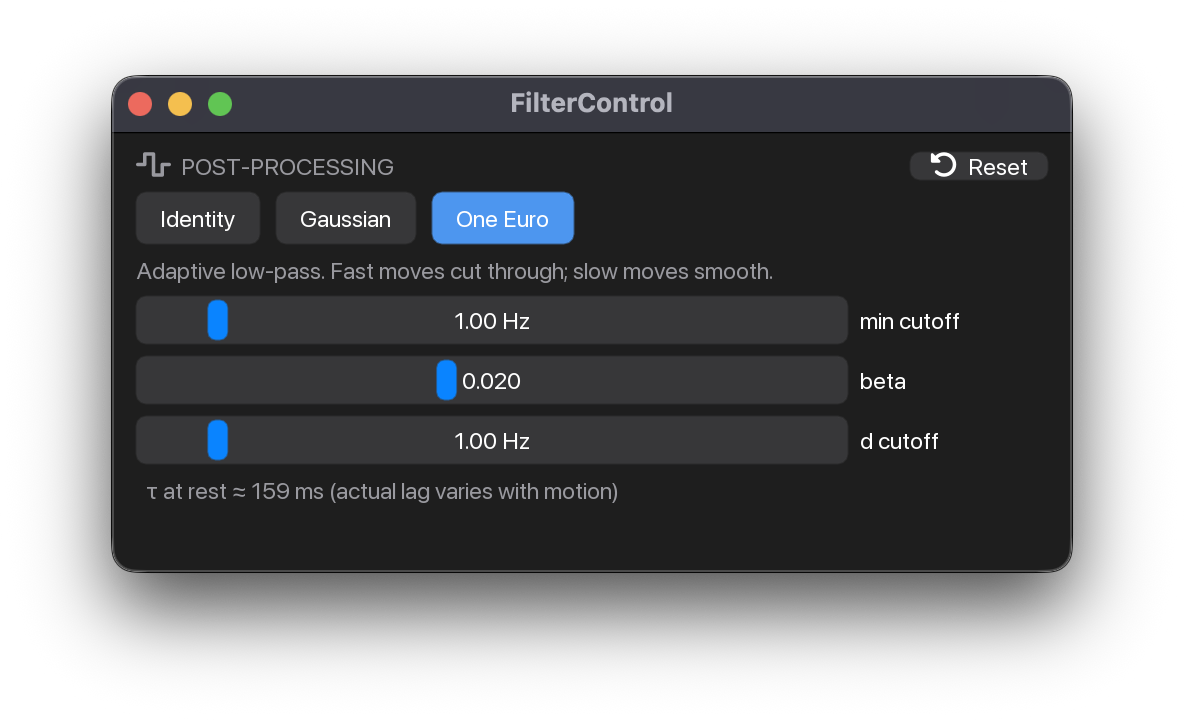
Live-tunable post-prediction smoother with Identity / Gaussian / One Euro filters. The default compact Smoothing row shows the filter, latency and a settings popover with parameters and Reset; compact=False keeps the sliders visible in a full panel. Reset clears smoothing history. Pair with output_filter(pose, timestamp=time.monotonic()) inside @pipeline.predict.
Feature selection
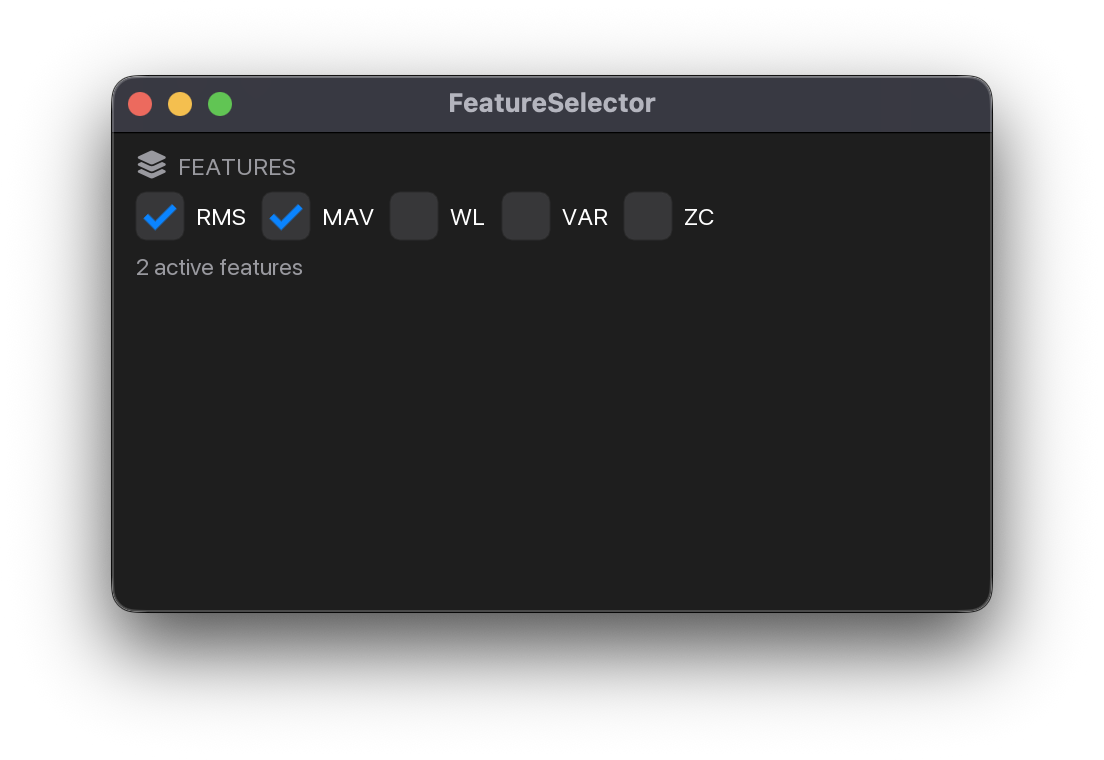
Wrapping mono toggle chips for choosing which feature transforms feed the model, under a Features caption. Active chips carry the shared selected cue. Construct with {name: callable}; the selector concatenates active features along axis 0. Use selector.n_active to size architecture hyperparams.
Branding
The MyoGestic wordmark fit-to-cell with aspect preserved. Place it in a grid cell as a branding header. core.py sets the square OS icon in the dock / taskbar / title bar.
ML readout
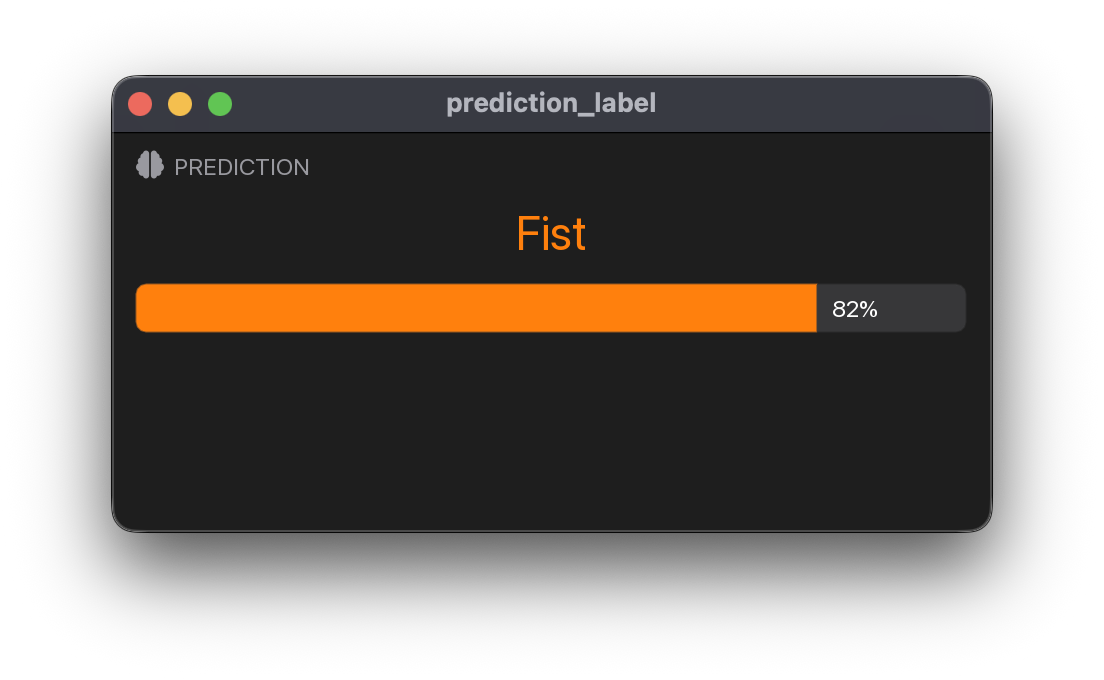
Surface card with the current classifier label in the display face and a muted mono prediction interval, right-aligned and vertically centred beside it. Idle shows a dash at the same hero size and the reason in the same layout. Reads pipeline.predictions["class"]; show_probability=True adds one thin bar per class in its palette colour, with a mono percentage on a shared 0–1 range.
Virtual Hand integration
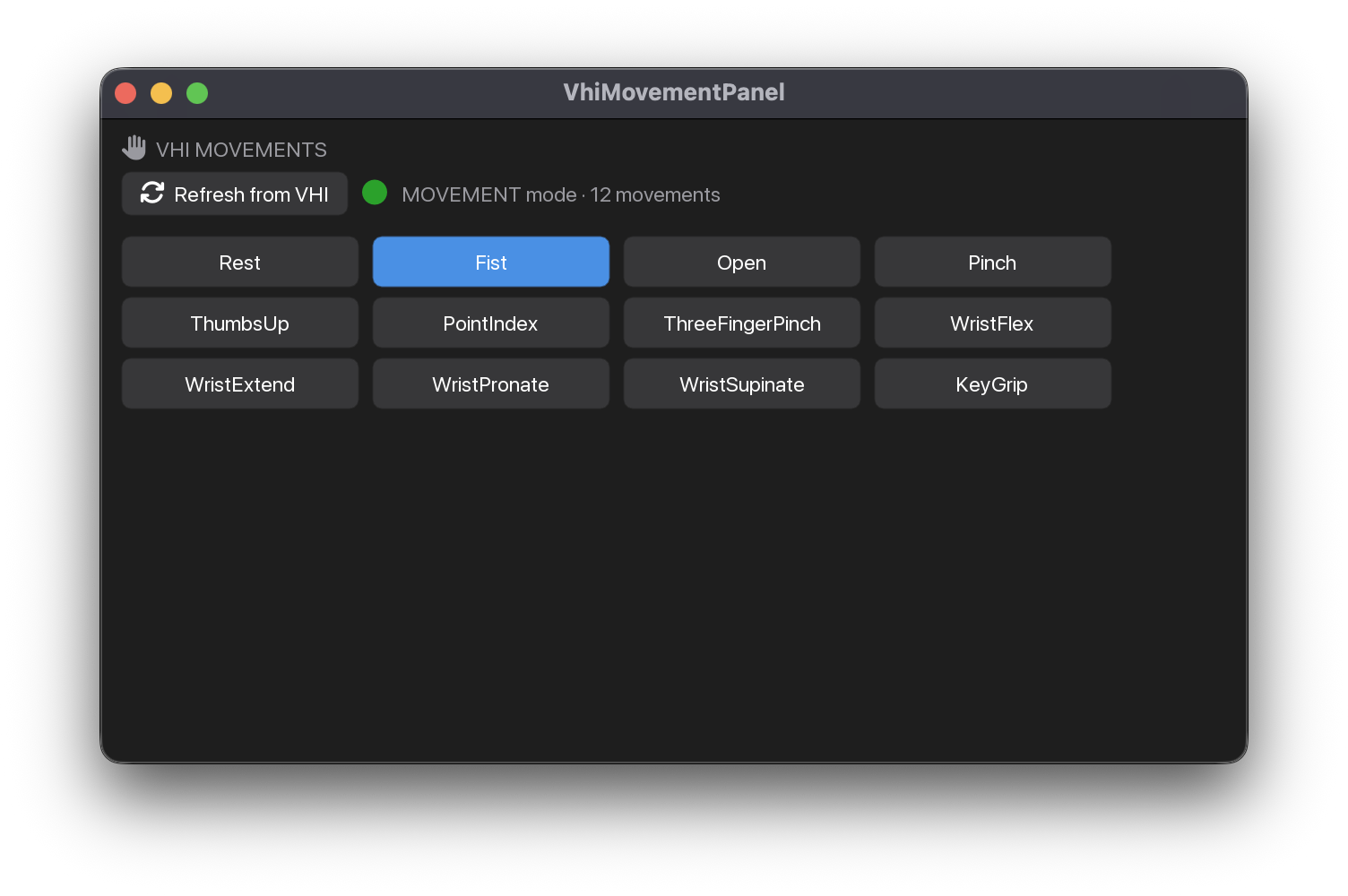
VHI control palette. Automatically refreshes the cached control-hand state from the v2 recording aid on a throttled background thread. Dispatches clicks to your handler, normally bus.select(...) on a discrete DOF. Highlights the current movement; greys out while disconnected.
Following runs
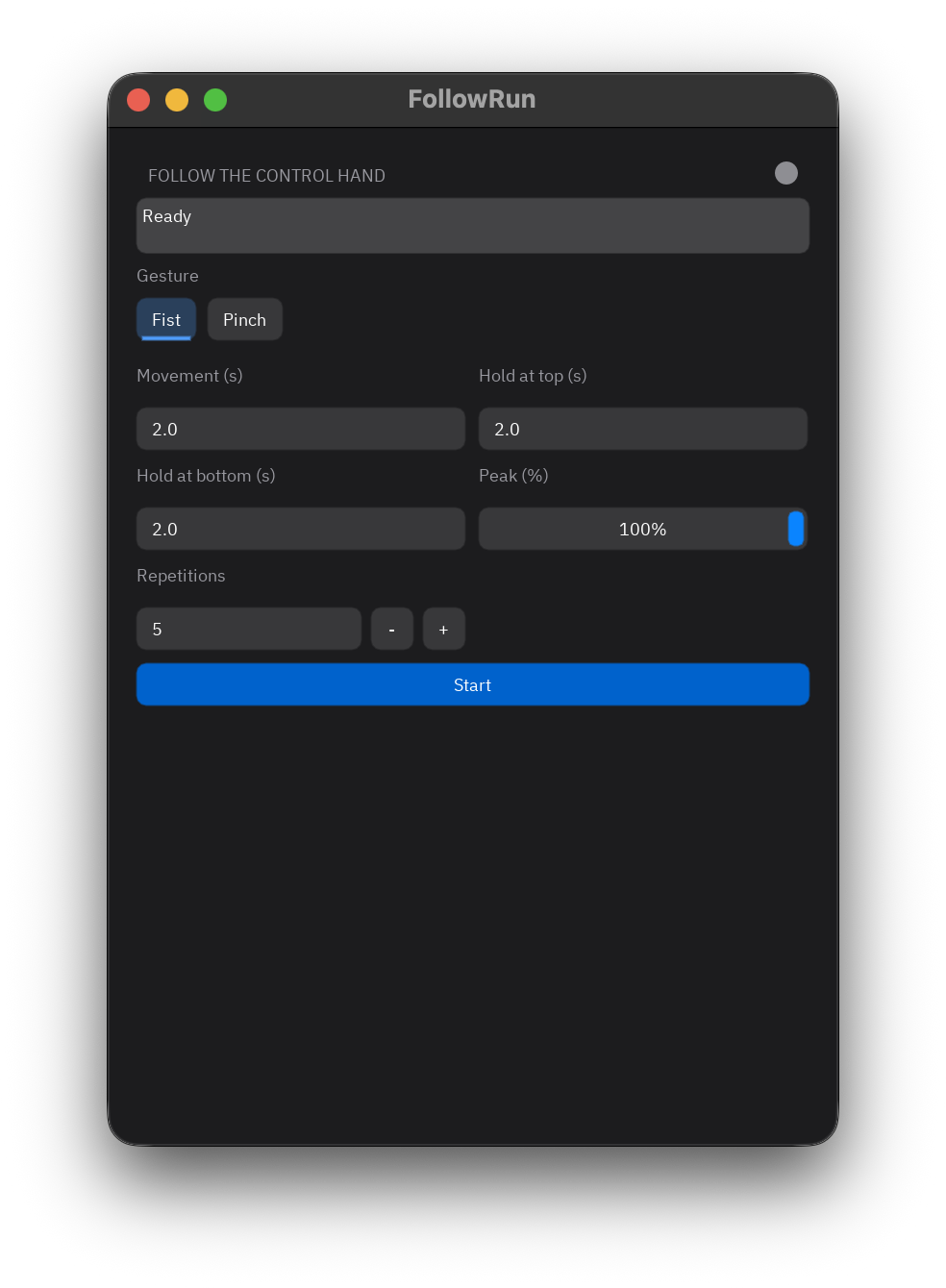
Gesture chips and captioned movement, endpoint hold, peak and repetition controls
start a recorded run. Progress and phase lead to saved-take RMSE, correlation and lag.
Runs without hardware; apps send its (gesture_index, level) through their control bus.
Try the panel demo.
Other widgets
These widgets have no captures in the gallery screenshot registry. See the Widgets API for their full documentation.